 TidySheetHouse
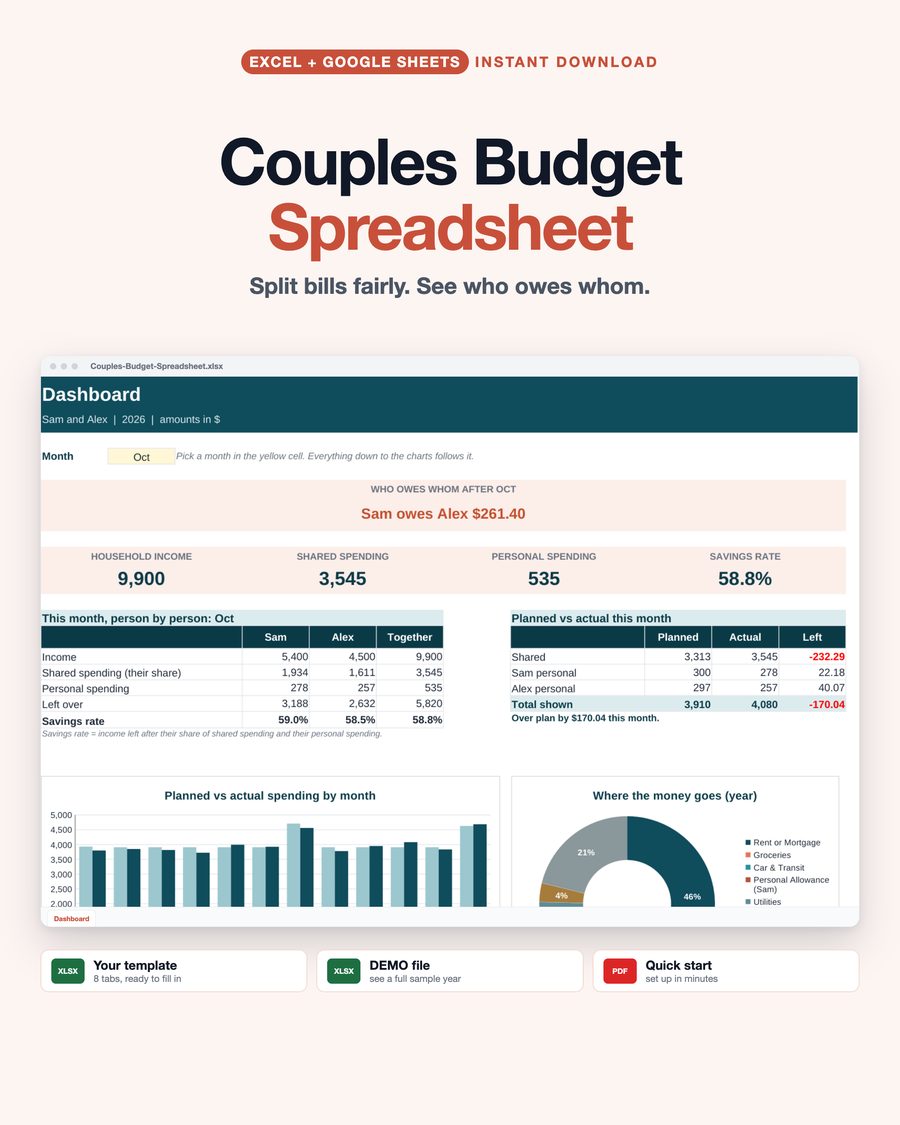
Couples Budget Spreadsheet
Split shared bills fairly, even when your incomes differ, and see who owes whom each month in plain words.
A couples budget spreadsheet that splits your shared bills fairly and tells you, in plain words, who owes whom each month. Split by income, 50/50, a custom percentage, or run everything as joint. When someone's pay changes, the split changes with it. For Microsoft Excel and Google Sheets.
What You Get
- Couples-Budget-Spreadsheet.xlsx: your budget, ready to fill in
- DEMO file: a full sample year for a fictional couple, so you can see every tab working first
- Quick start PDF: how to open it and fill it in
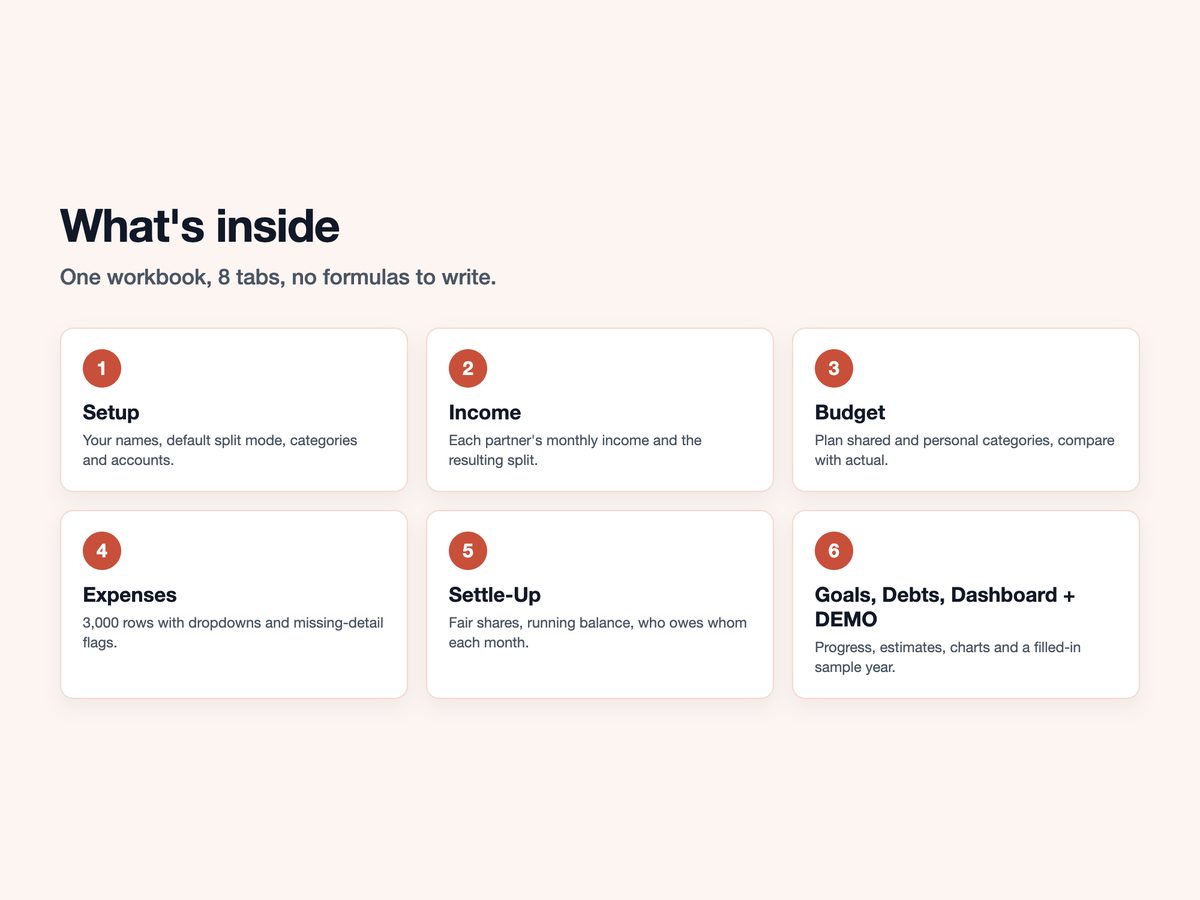
8 Tabs
- Start Here: 4 simple steps and how to choose a split
- Setup: both names, currency, year, default split, editable categories and accounts
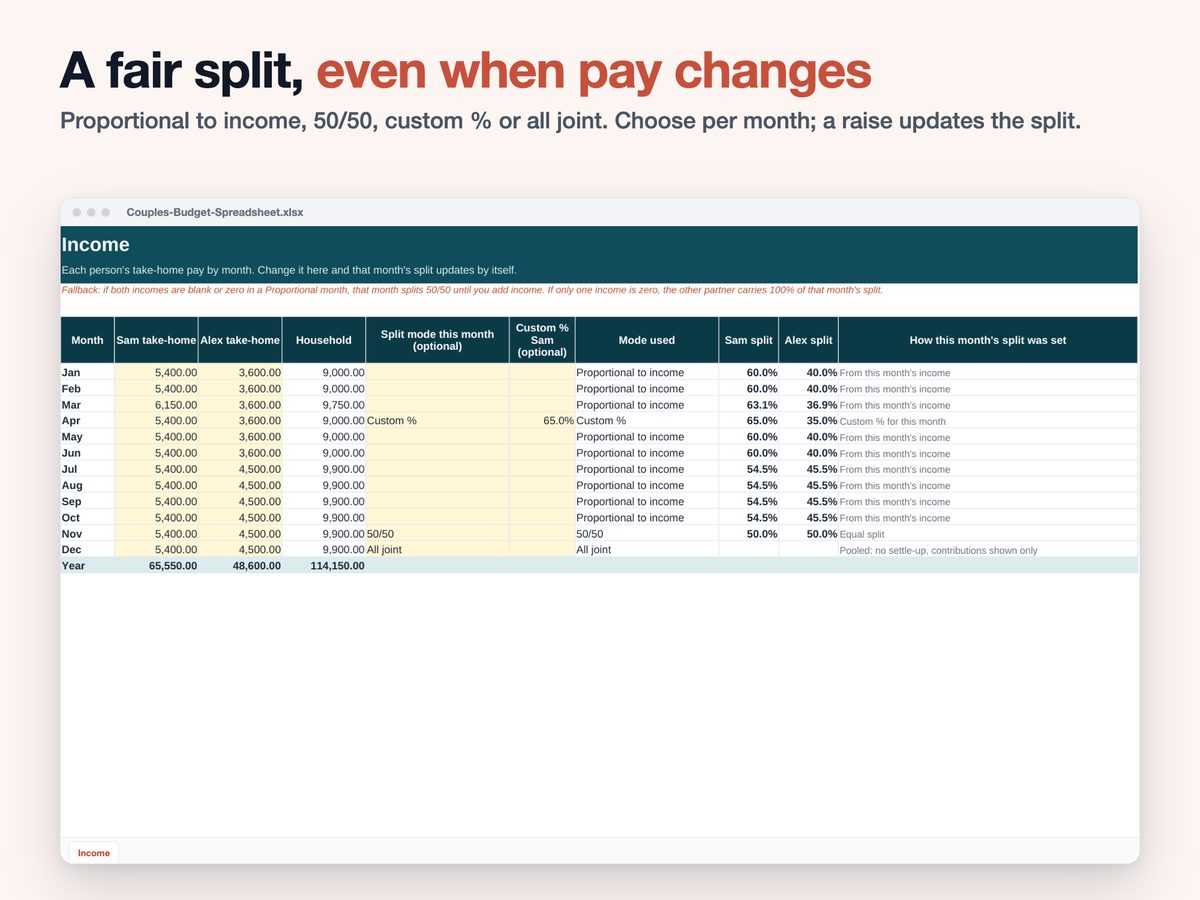
- Income: each partner's take-home pay by month, with the split for that month. Change the split for any single month
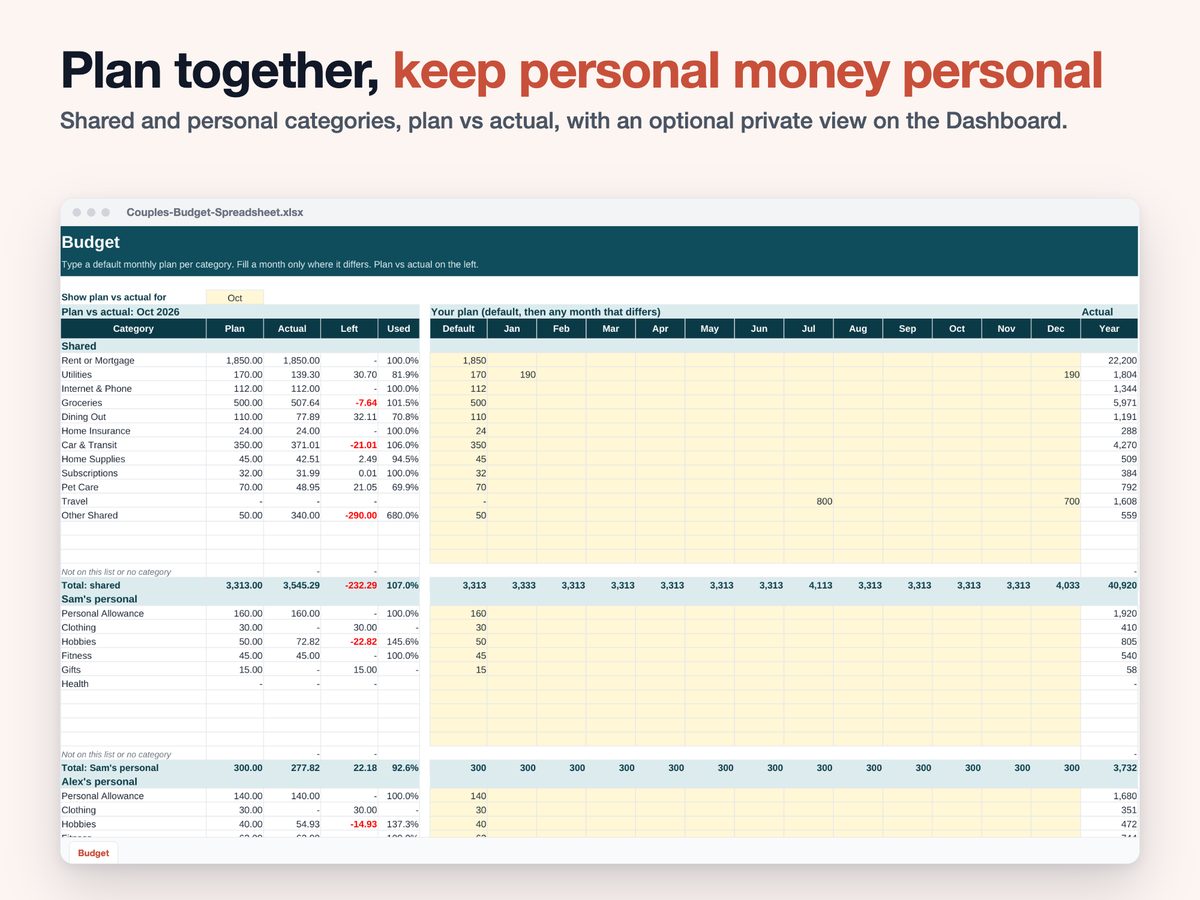
- Budget: planned shared and personal amounts, compared with actual
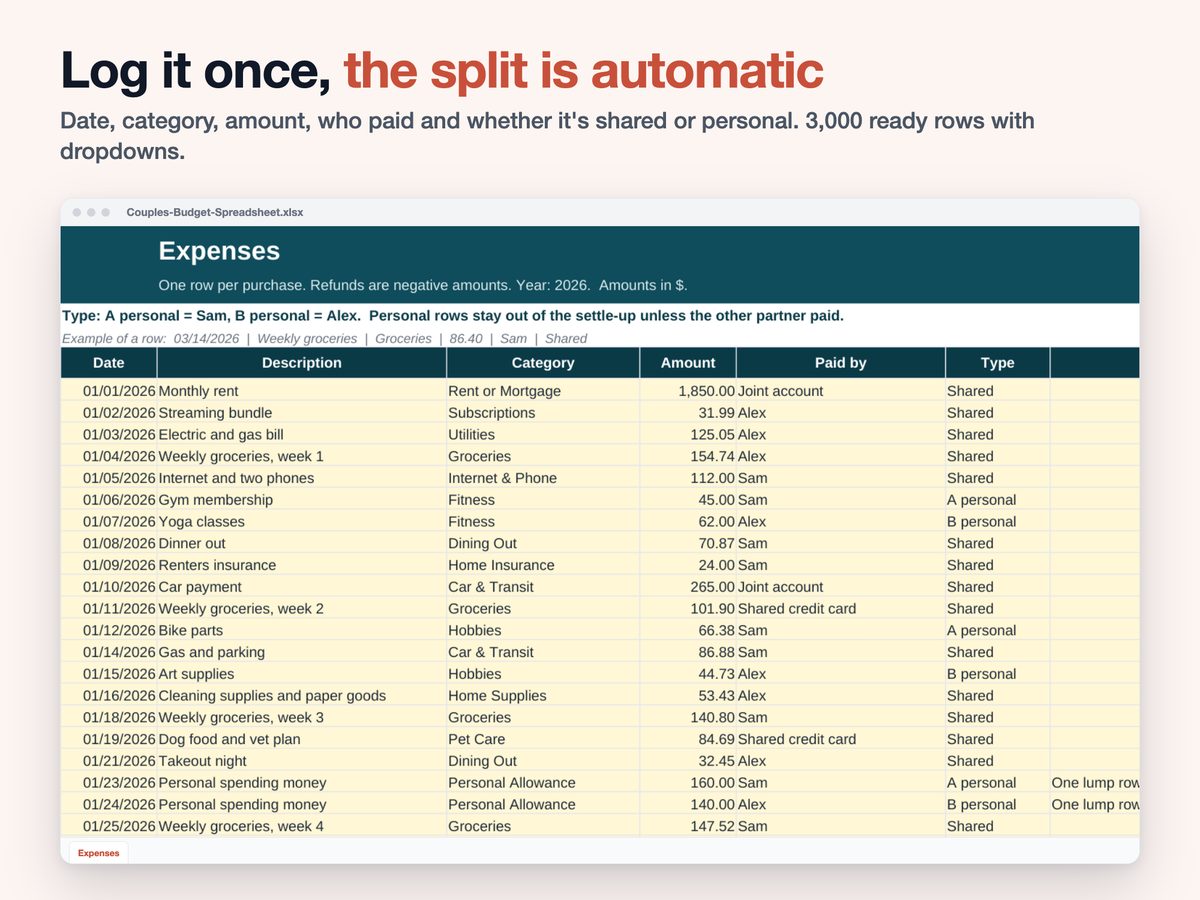
- Expenses: 3,000 ready rows with dropdowns for category, who paid, and shared or personal. Missing details get flagged
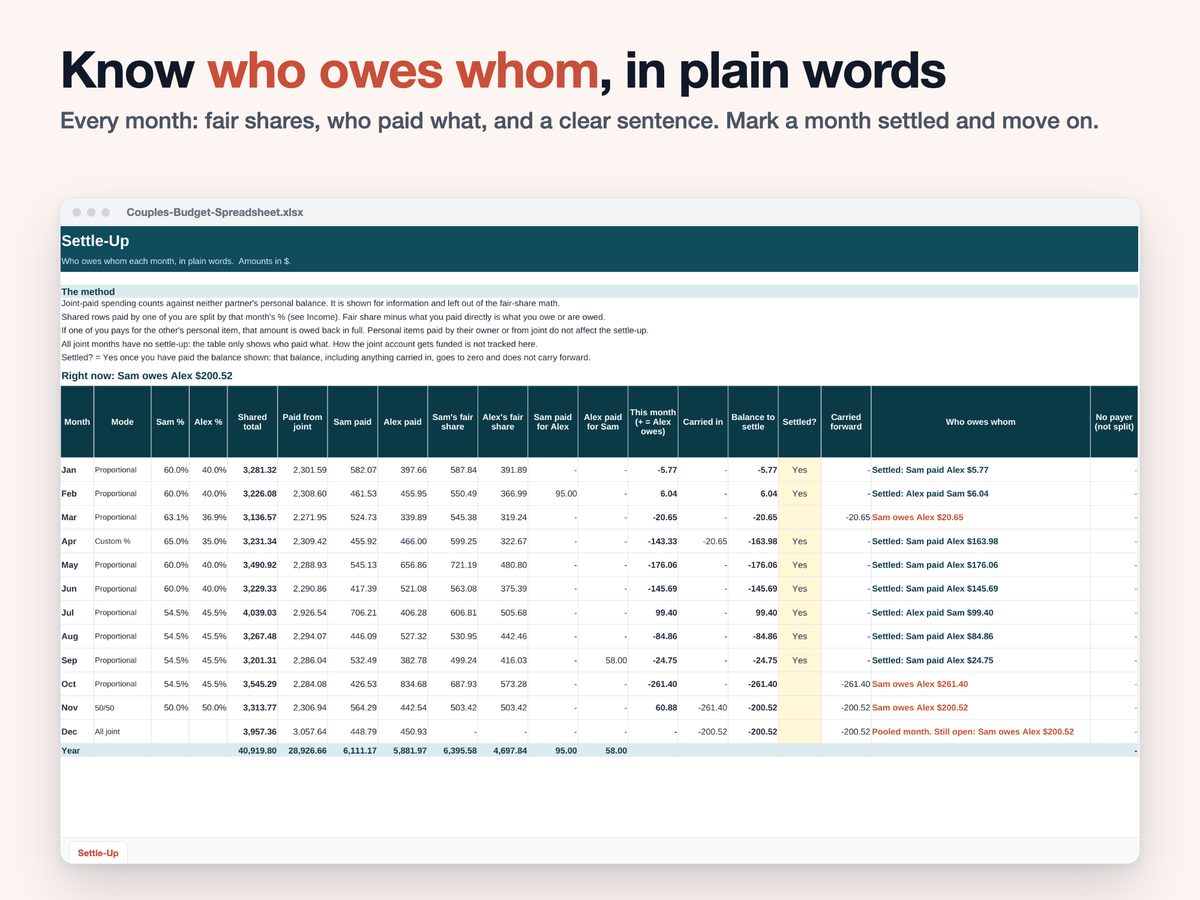
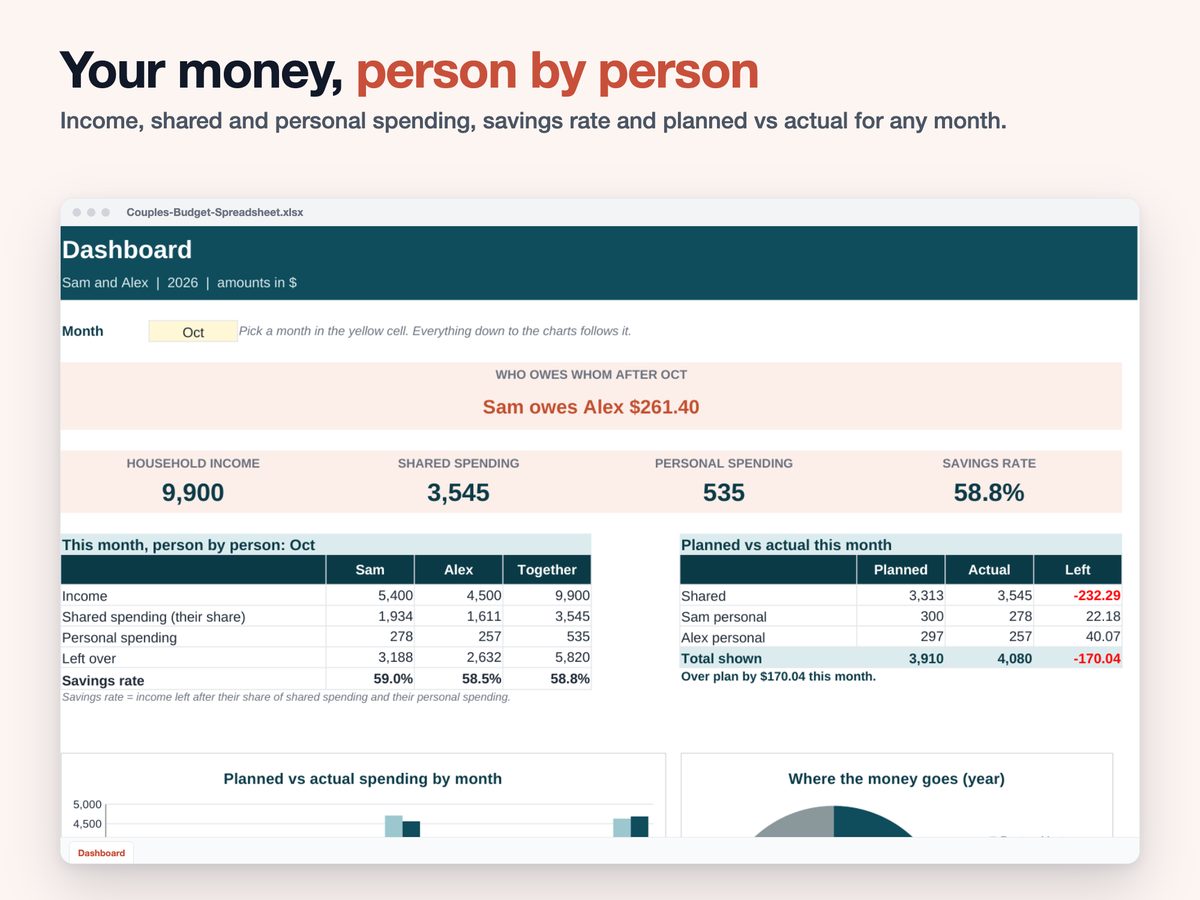
- Settle-Up: fair shares, who paid what and a clear sentence for each month, like "Sam owes Alex $212.40". Mark a month settled so the balance doesn't carry forward
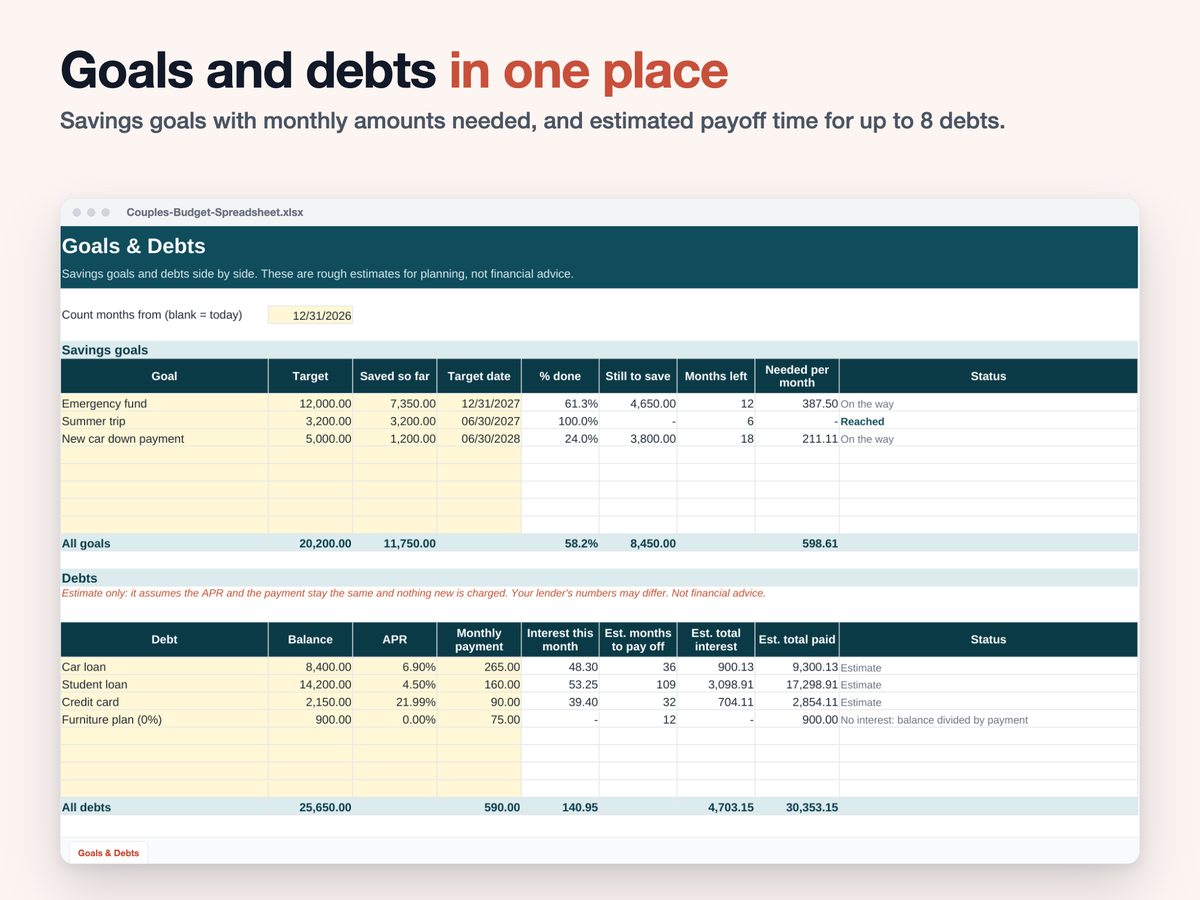
- Goals & Debts: up to 8 savings goals and 8 debts, with estimated payoff time
- Dashboard: choose a month to see income, shared and personal spending, savings rate and planned vs actual, plus yearly charts
Why This One
- Built around the monthly settle-up, not just tracking
- A fair split when your incomes differ, and when they change
- Spending from a joint account stays out of who owes whom
- If one of you pays for the other's personal item, it's owed back in full
- Formulas are protected from accidental edits (no password)
How It Works
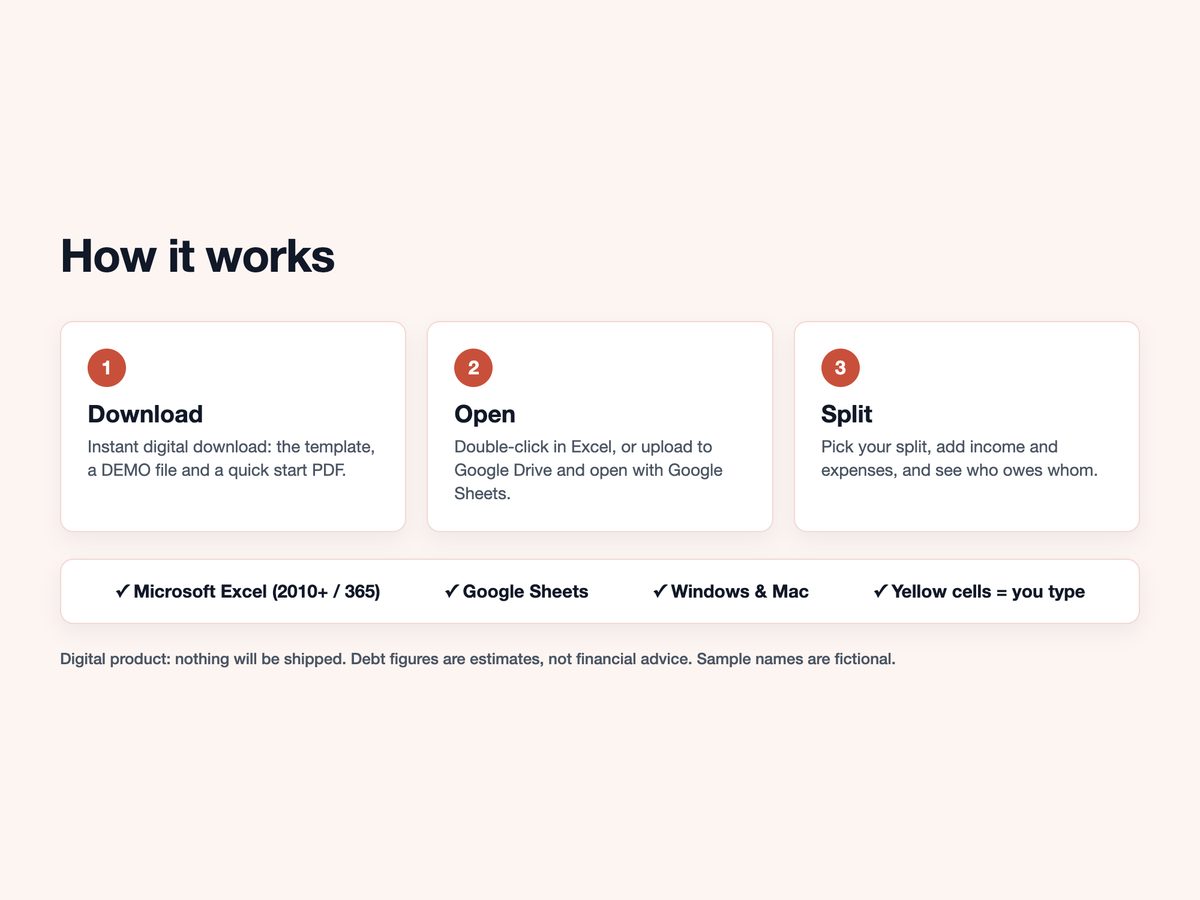
- Download instantly after purchase
- Open in Excel, or upload to Google Drive and open with Google Sheets (free Google account)
- Choose your split, add income and expenses, and see who owes whom
Inside the file
These images are drawn from the real workbook, so what you see is what you download.
Questions
- Is this a subscription?
- No. You pay once, and the files are yours to keep.
- Can we keep some spending private?
- The Dashboard has a private view that hides personal details, but anyone with the file can still open every tab.
- Can I use it next year?
- Yes. Change the year on the Setup tab.
- Does it connect to my bank?
- No. You enter expenses yourself, so nothing is shared with anyone.
- Designed by me with the help of digital tools, including AI, then tested formula by formula
- Digital product: nothing will be shipped
- Set it up on a computer in Excel or Google Sheets (not tested in Apple Numbers). The Etsy app can't open downloads: use etsy.com › Purchases
- Requires Microsoft Excel 2010+ / Microsoft 365, or a free Google account for Google Sheets
- Debt figures are estimates. This is a planning template, not financial advice
- Questions? Send me a message. Happy to help
More templates
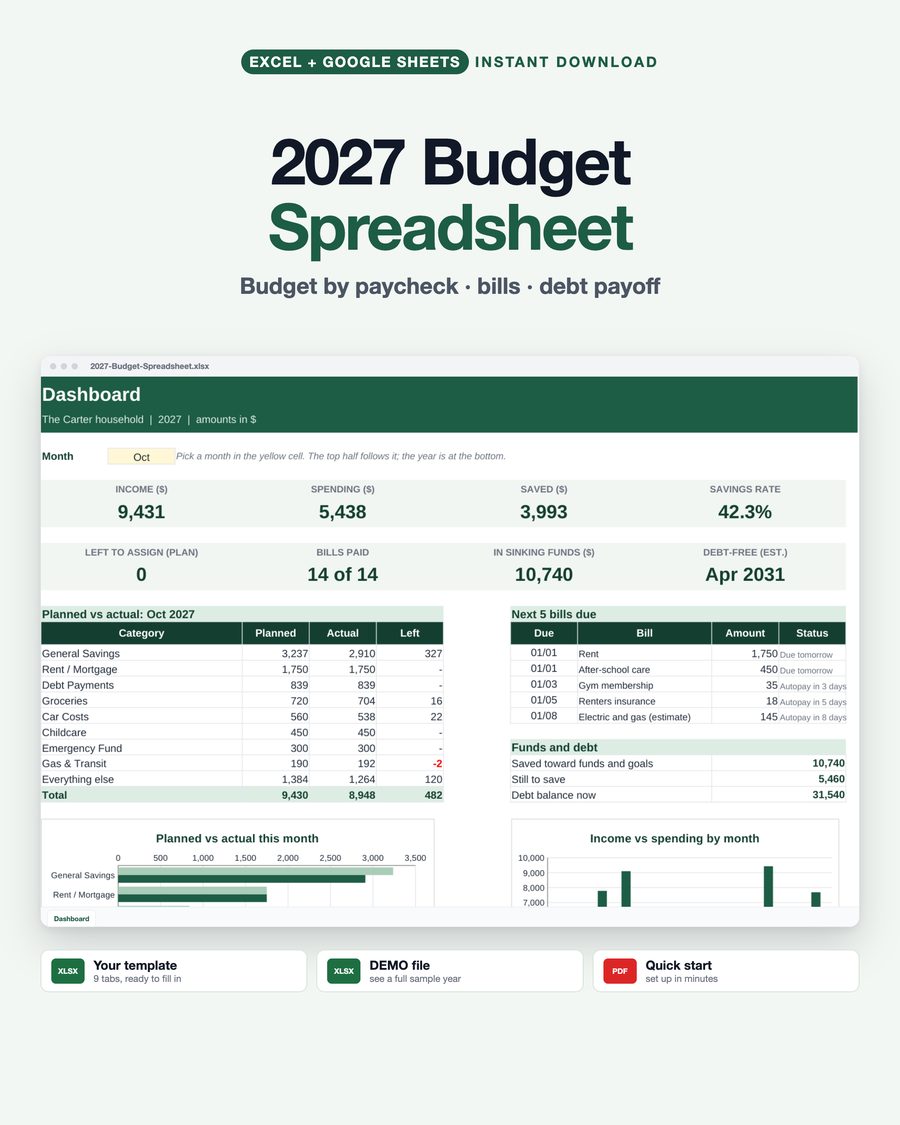
2027 Budget Spreadsheet
Budget by paycheck: every payday of 2027 with the bills it has to cover, plus sinking funds and a debt-free date.
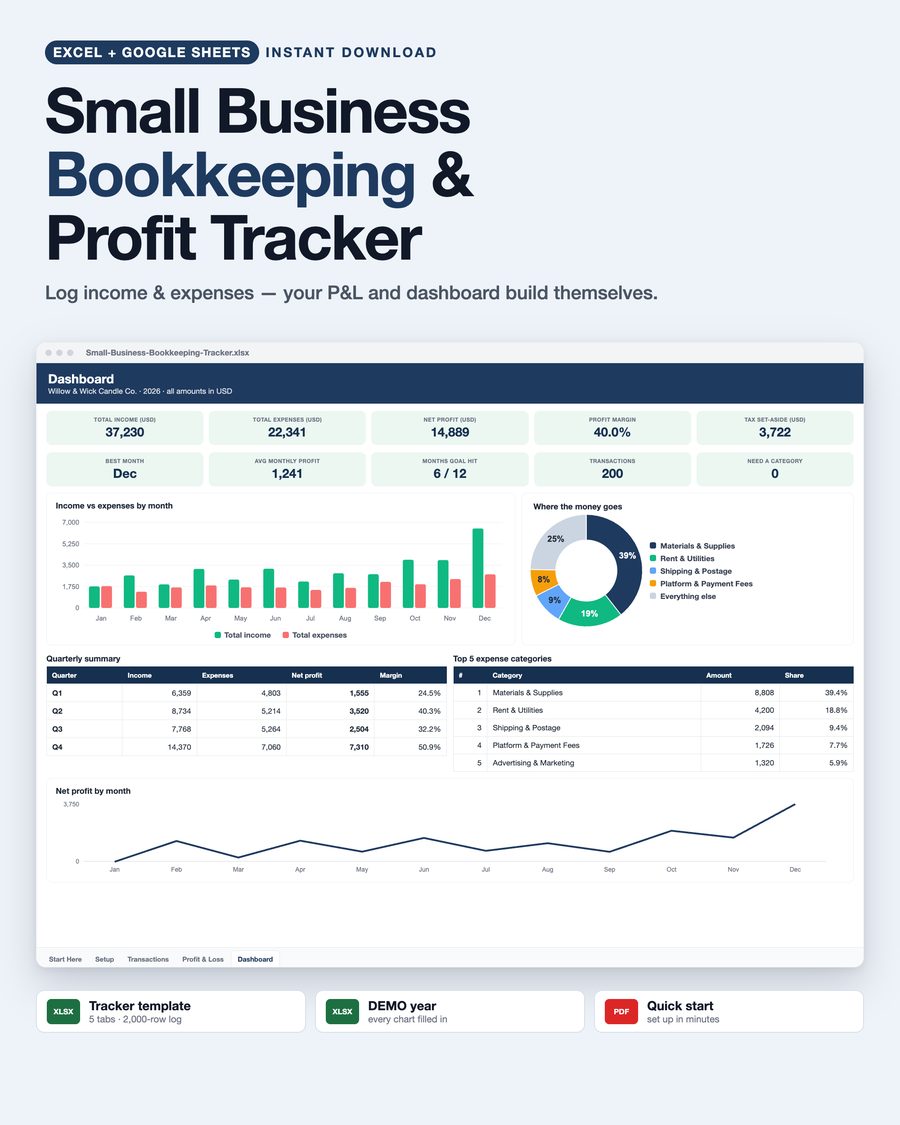
Small Business Bookkeeping Spreadsheet
Log a sale or a purchase in seconds and get your profit and loss statement and dashboard automatically.
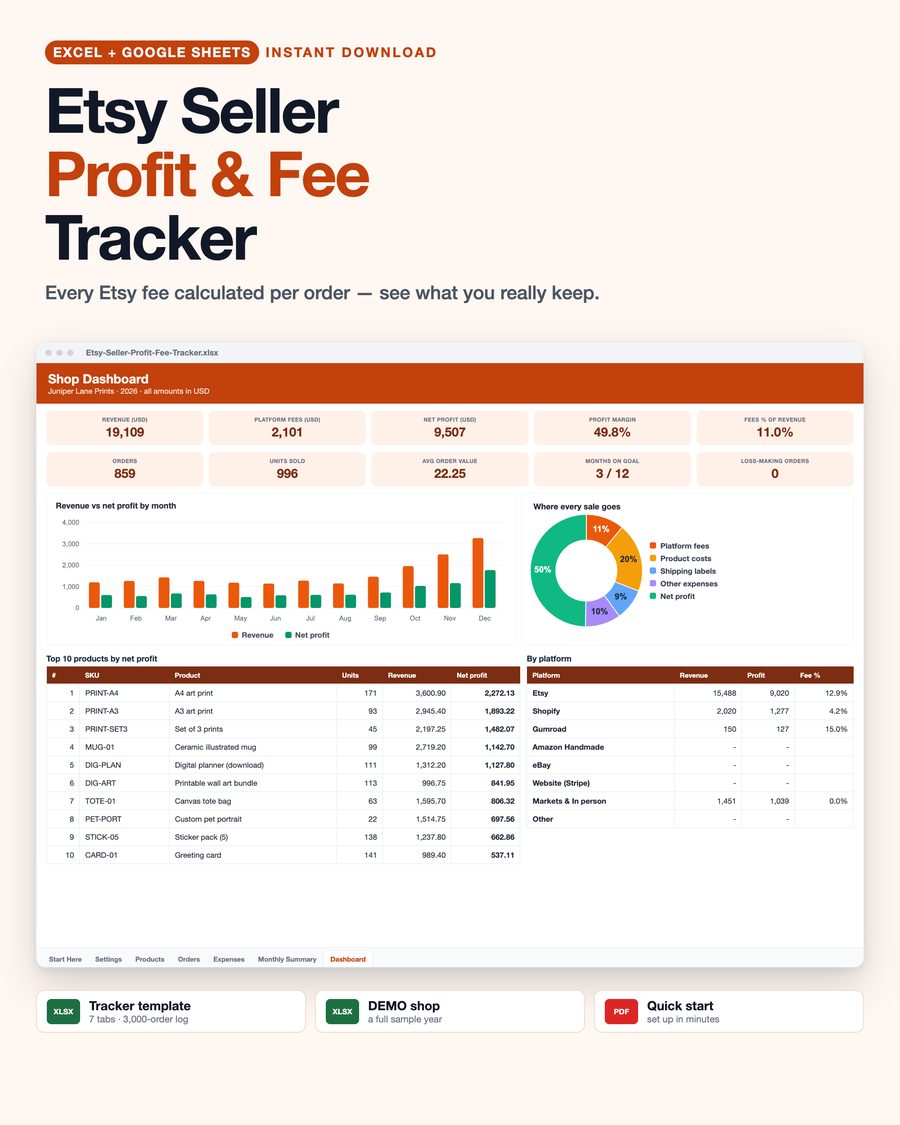
Seller Profit & Fee Tracker for Etsy Shops
See every fee on every order, your real profit per product, and the price you need to hit your margin.
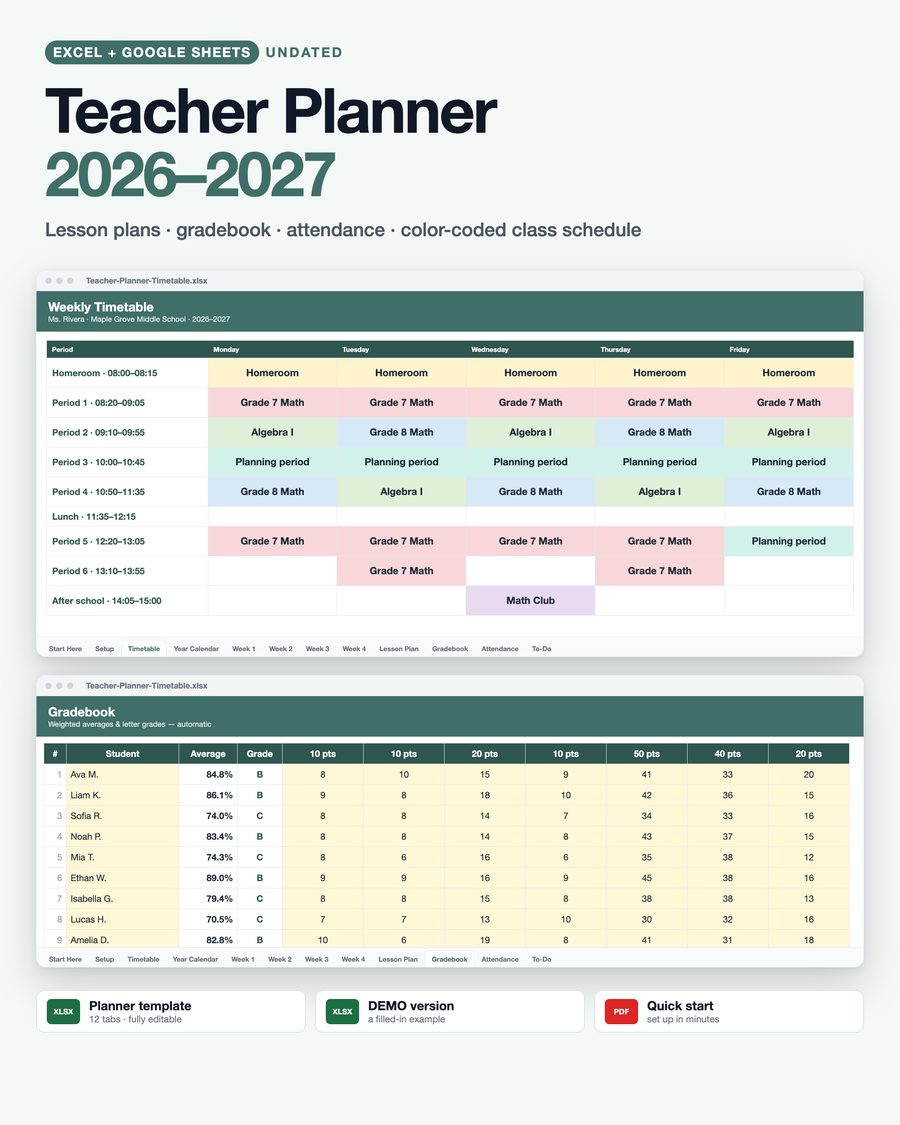
Undated Teacher Planner Spreadsheet
Set your first day of school once: calendars, weekly plans, gradebook and attendance date themselves.
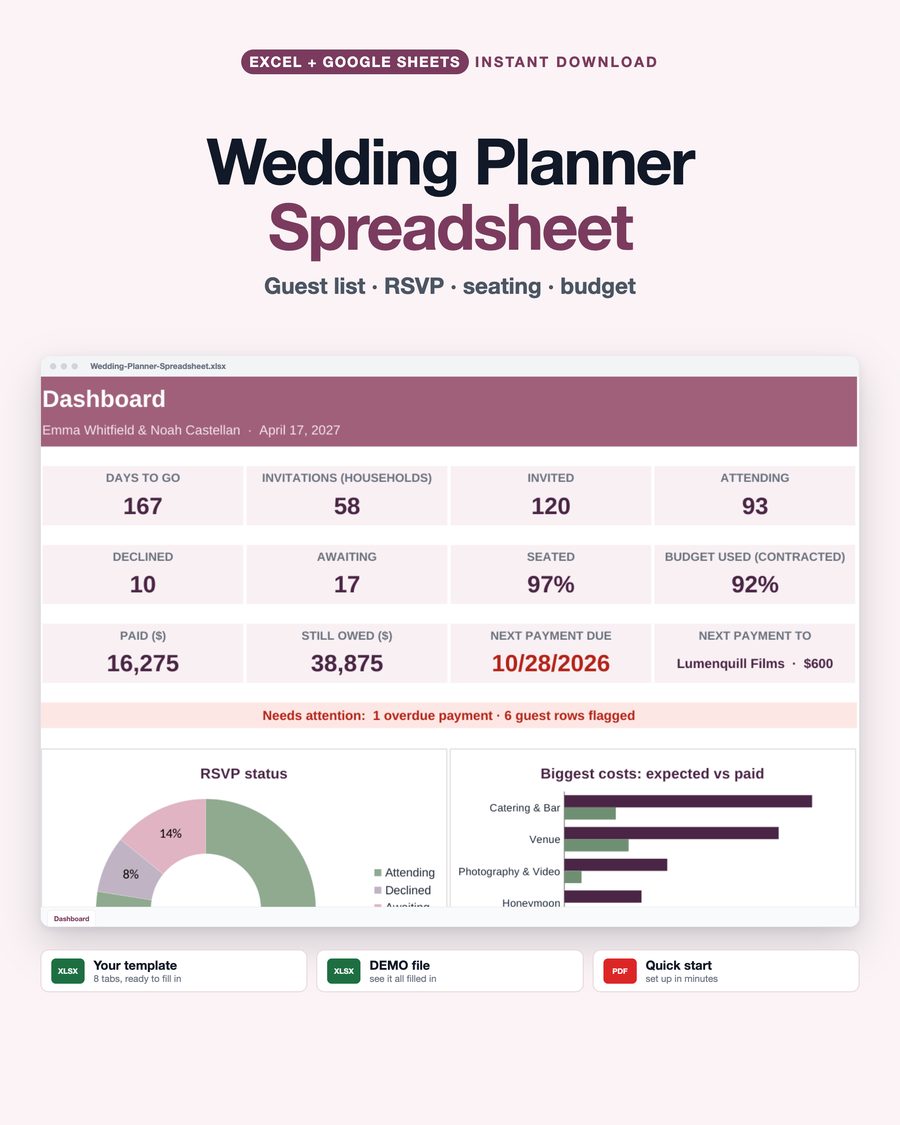
Wedding Planner & Budget Spreadsheet
Guest list, RSVPs, seating, caterer counts, budget and vendor payments in one simple file.
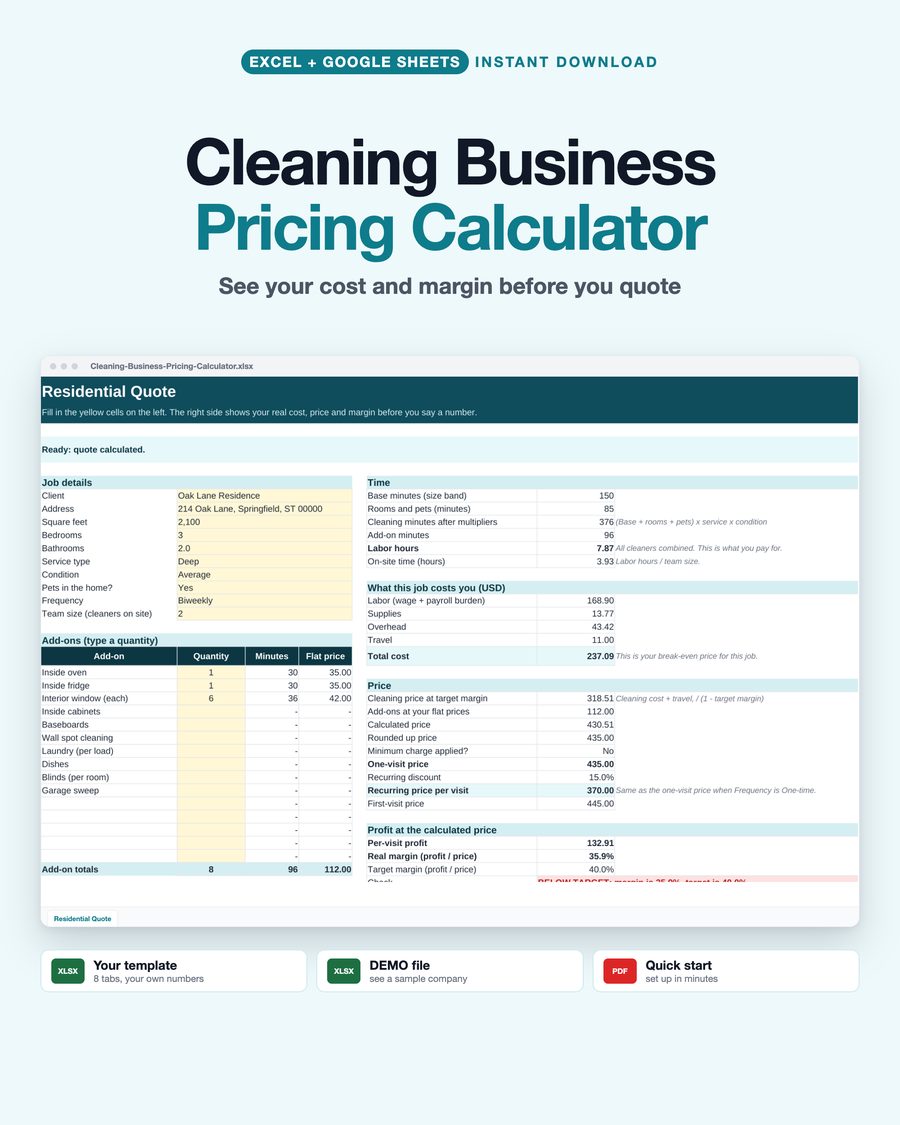
Cleaning Business Pricing Calculator
Quote homes and commercial jobs from your real costs and see your margin before you say a number.
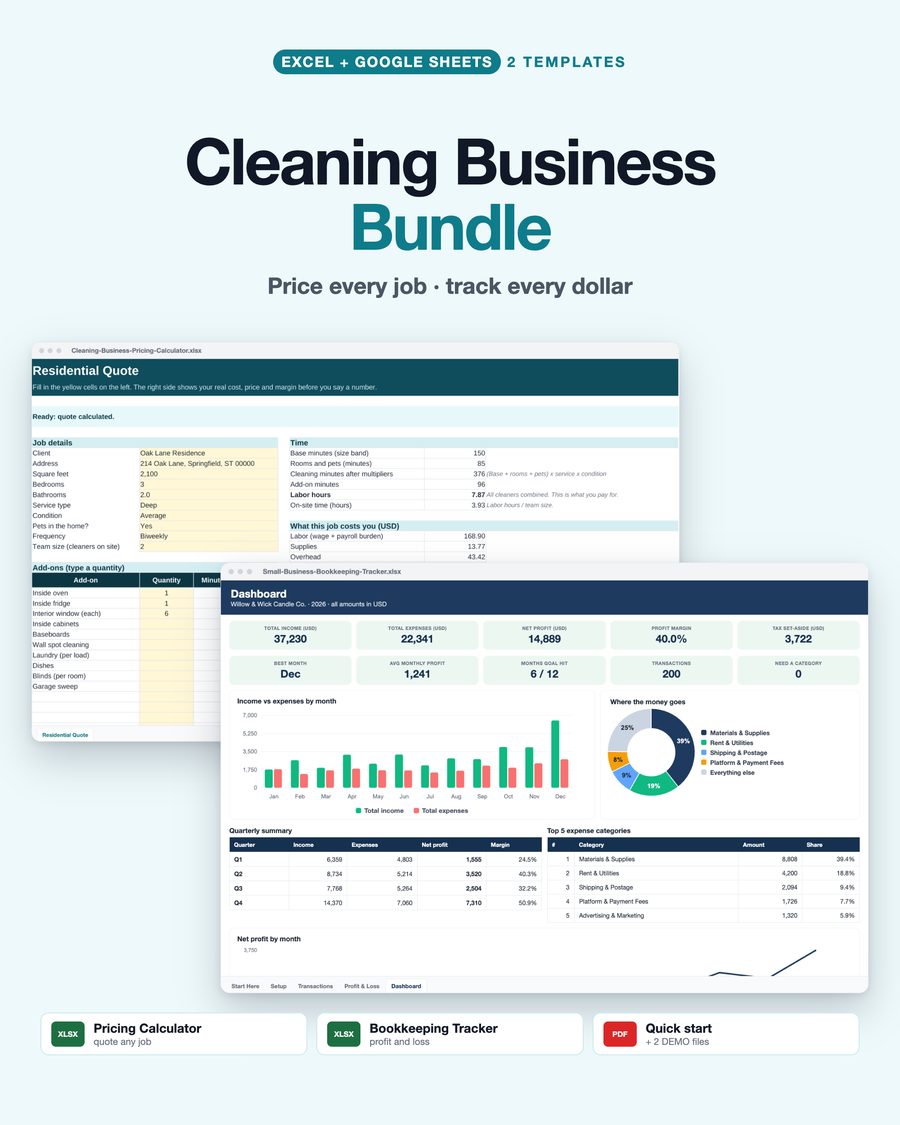
Cleaning Business Bundle
The pricing calculator and the bookkeeping tracker together: price every job and track every dollar.